I don't know why the HTK website itself did not provide a download for Windows binary release so we don't have to rebuild it again. However, I found that the binary for HTK 3.3 is available for download at their
software archive page here (you need to be a registered user first, free of charge.)
I followed the notes posted by
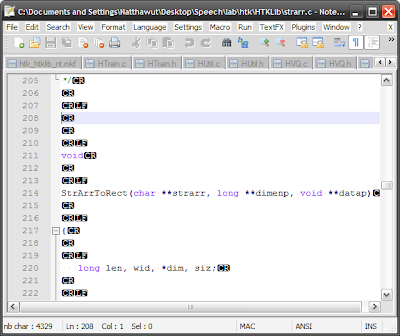
Ivan Uemlianin. The notes suggest me to convert the HTK source files which is in Mac format to Windows format. These source files have additional characters (
CR CR CR LF) instead of Windows' (
CR LF.) So you need to correct them before using Visual Studio's
nmake.
Convert Mac's files to Windows'Ivan Uemlianin himself uses a Python script to convert the files. The method I used here is not involved with programming. But you need a open-source software Notepad++ instead.
Download Notepad++ here.
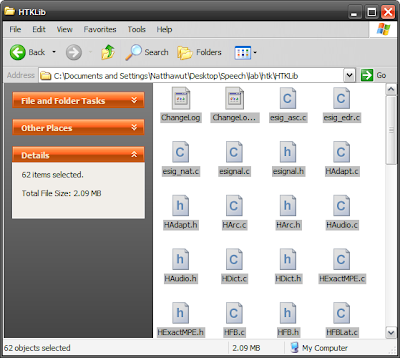
First, I drag all the files those need to be compile into Notepad++. Then, I turn on the "Show all characters in
View -> Show all characters.
Next, the most important part, replace all the (CR CR CR LF) with (CR LF.) Fill in the "Find what :" with "\r\r\r\n" and "Replace with" with "\r\n" as shown in the picture below. Notice that the "Extended (..." checkbox at the bottom of dialog is checked. When you are ready, click "Replace all in all opened documents."
It will take a while on an old computer. Mine takes around 40 seconds :(

After the process finished, press the "Save All" button. Now you are ready to
nmake the source files! You can follow the readme provided with HTK from now on :)


